
Although plenty of research shows the many ways that smartphones get our brains into trouble, I recognize that these handheld devices aren’t without their benefits too. Many apps help me work on my mental health and maintain productive habits that improve my life.
Mood Trackers
Using apps to track your feelings can help you gain awareness of your moods and better understand your emotions. This promotes self-recognition of your state of mind and enhances your ability to communicate with others about your feelings. By recording data regularly, it also becomes possible to see trends, e.g., perhaps you have more negative emotions when you don’t sleep enough, feel more depressed in the winter, or experience happiness more often when you’re maintaining a regular exercise routine.
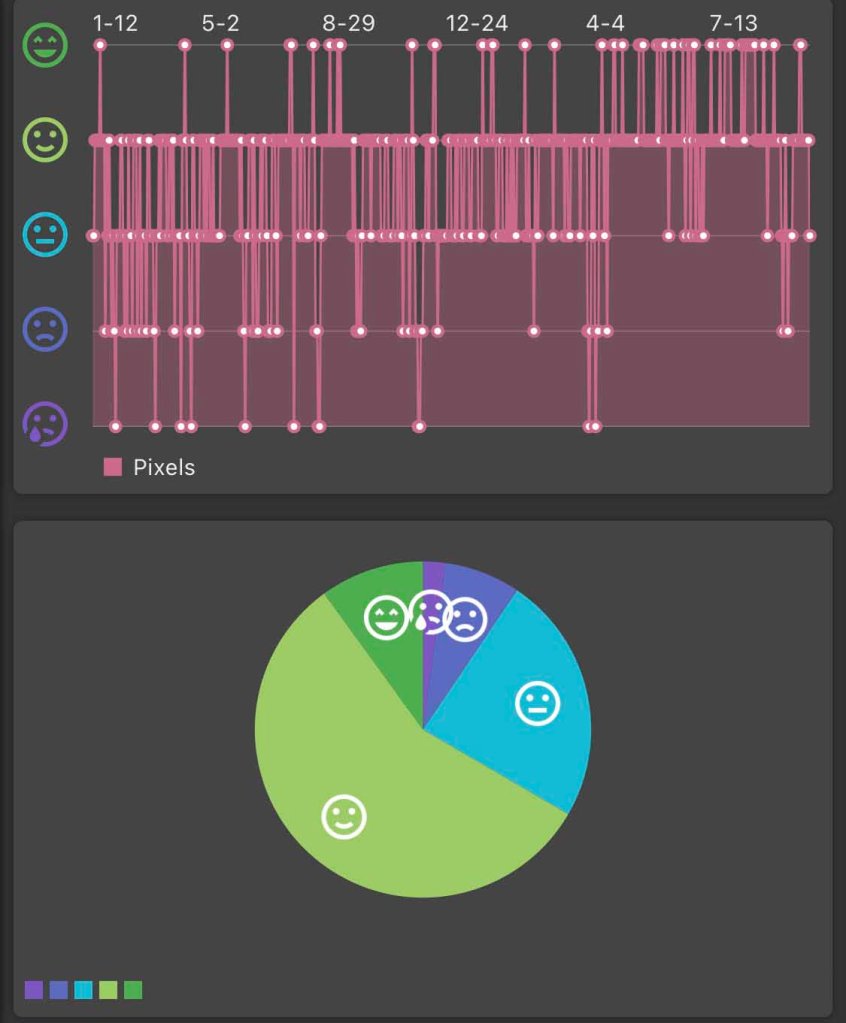
I appreciate the reminder that my mood tracking activities offer: No matter how it feels in any given moment or on any particular day, difficult feelings will pass! And no matter how many bad days or crappy feelings you have over a stretch of time, typically there are more good days and moments than bad. This is easy to forget when you’re feeling terrible, but it’s true – and for myself, I’ve now got the charts and graphs to prove it!
Below are my thoughts on the two that I use. If you’re looking for more ideas, check out this list.
It’s a huge part of the mythology around emotion that if we look it in the eye, it gives it power… the reality is, if we look it in the eye and name it, it gives us power.
Brené Brown
How We Feel
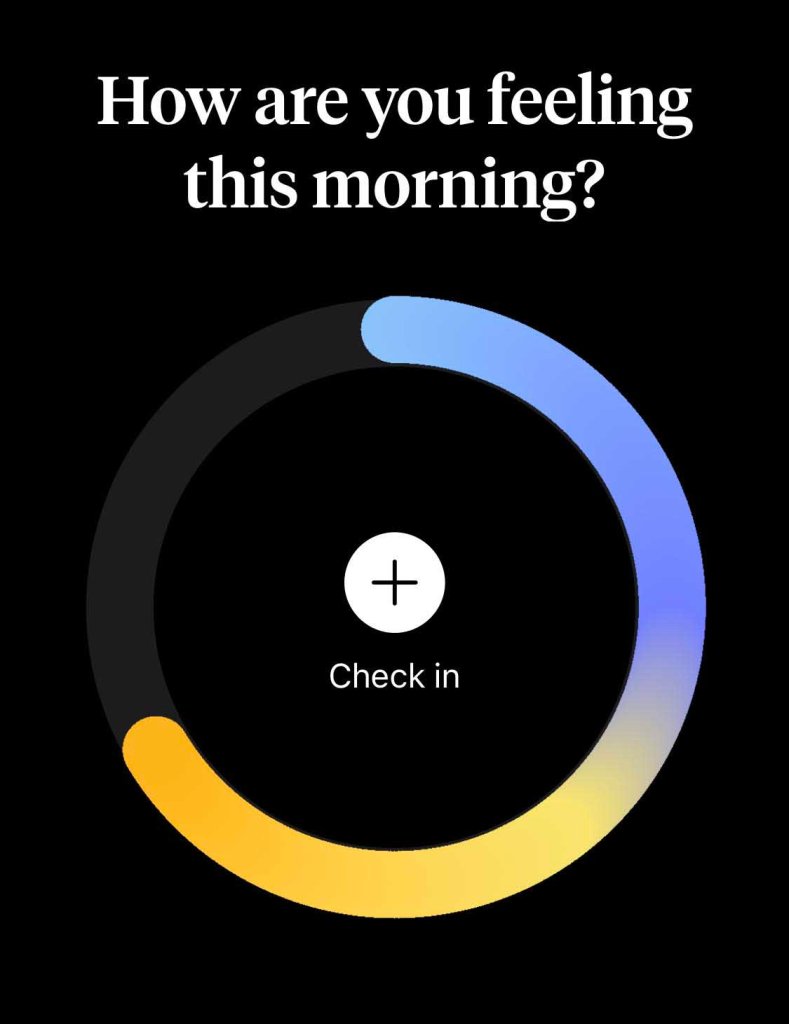
How We Feel was created by scientists, designers, engineers, and therapists to help people better understand their emotions. By providing a matrix of feelings, along with definitions, it’s easier to find the right word to describe your emotional state. The facilitator of the Dialectical Behavioral Therapy skills group I’m currently in recommended this app last week and I’ve quickly become a fan!
Along with tracking moods, it also collects data about your sleep, exercise, and the weather, as well as where you are, what you’re doing, and who you’re with, allowing trends associated with your emotions to potentially emerge. You can even include photos, voice recordings, or notes about each logged emotion throughout the day to capture more detail about what’s going on in your life.
My favorite things about this app include:
- There’s no premium version, so all users can access the app’s full functionality.
- It’s scientifically based and was created in conjunction with Yale University’s Center for Emotional Intelligence.
- It offers in-the-moment strategies to help navigate emotions you’re experiencing by way of informative videos and instructions for short exercises.
- They have transparent privacy terms and it’s possible to keep all of your data stored solely within your device.
Pixels
Pixels is another mood-tracking app that its creators describe as “a minimalist and powerful approach to bullet journaling.” Like How We Feel, only the user has access to data entered so there are no privacy concerns. There is a premium version, but I have found the free functionality to be useful enough as is.
Each day, you select one of five emojis representing your mood. Then, you can optionally add emotions you experienced. You may also choose to write an entry about happenings throughout the day or whatever else you’d like to record.
Since How We Feel is new to me, I’m still debating how I will maintain both apps without creating unnecessary effort by duplicating what is tracked where. But I definitely plan to keep up with both apps separately in any case because:
- How We Feel doesn’t let you assign an overall rating to a full day based on your own assessment, it just records all of the many emotions you log. So, I expect the reporting of Pixels to better document my interpretation of whether a day was awful, bad, okay, good, or great, and also more easily show broad trends.
- However, the granularity of How We Feel by way of its unlimited number of daily entries per day will certainly afford more depth in seeing what was going on each day and depict trends in the types of emotional states experienced.
- I appreciate all the richness available from frequently logging in How We Feel, but I expect there to be days when I can’t spend much time on there (or just don’t feel like it), whereas it is super easy to maintain a daily entry on Pixels. Even at my busiest, it’s manageable to open Pixels to select a single emoji.
Habit Trackers
Without diving here into the psychology of habit formation, suffice to say that apps to track habits may not work for everyone. Different approaches, such as the design and features available, will impact how optimal each app is for you based on your psychological profile. This Vox article talks a little more about that and refers to Gretchen Rubin’s book, Better Than Before, which I highly recommend along with checking out this fun Four Tendencies Quiz. But the potential for habit-tracking is strong enough that it’s worth trying.
Below are my thoughts on the two that I use. If you’re looking for more ideas, check out this list.
Habit tracking is powerful for three reasons.
James clear
1. It creates a visual cue that can remind you to act.
2. It is motivating to see the progress you are making. You don’t want to break your streak.
3. It feels satisfying to record your success in the moment.
Habit Tracker
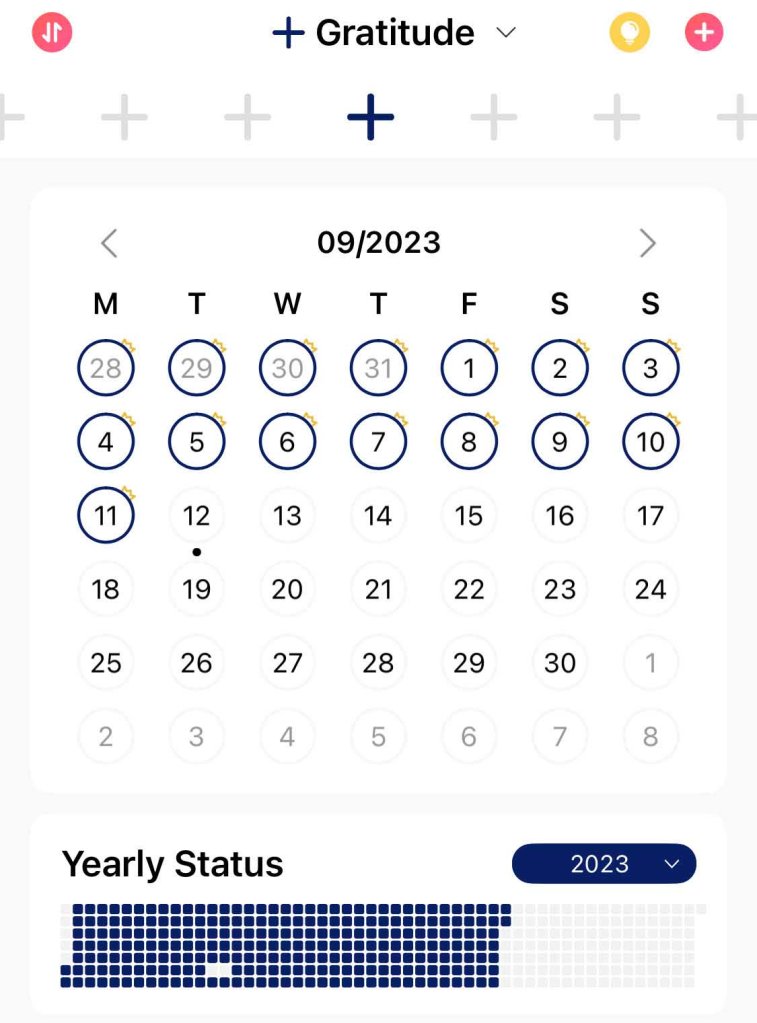
The Habit Tracker app has a premium version available, but I find the free version to be sufficient. I am now up to the cap of how many habits you can track, but so far have been able to address this by combining certain tasks, e.g., instead of “brushing teeth” set up as individual habits for each time of day, I consolidated to one teeth-brushing habit set to happen multiple times per day.
Users can track a variety of activities, whether it’s a daily, weekly, or monthly cadence. The app has several suggestions pre-loaded, but you can also create custom habits. Activities can be set up as a single unit of performance, or you can track by a quantity of occurrence or the amount of time spent. There are also color-coding options, which I use to associate similar tasks, e.g., unhealthy activities I want to avoid are in black, physical health goals are green, self-care stuff is blue (physical) and grey (mental), productivity-related things are orange, and creative endeavors are purple.
The app has many features I don’t use. Because I loathe phone notifications, I steer clear of setting reminders. I no longer take advantage of the notes field; I kept trying to implement them for certain goals and found that the additional effort made me less enthusiastic about tracking so I scrapped it. And it’s advertised as “the first habit app that lets you and your friends build habits together by reminding and encouraging each other,” but I haven’t set up this linkage with anyone so far.

Finch
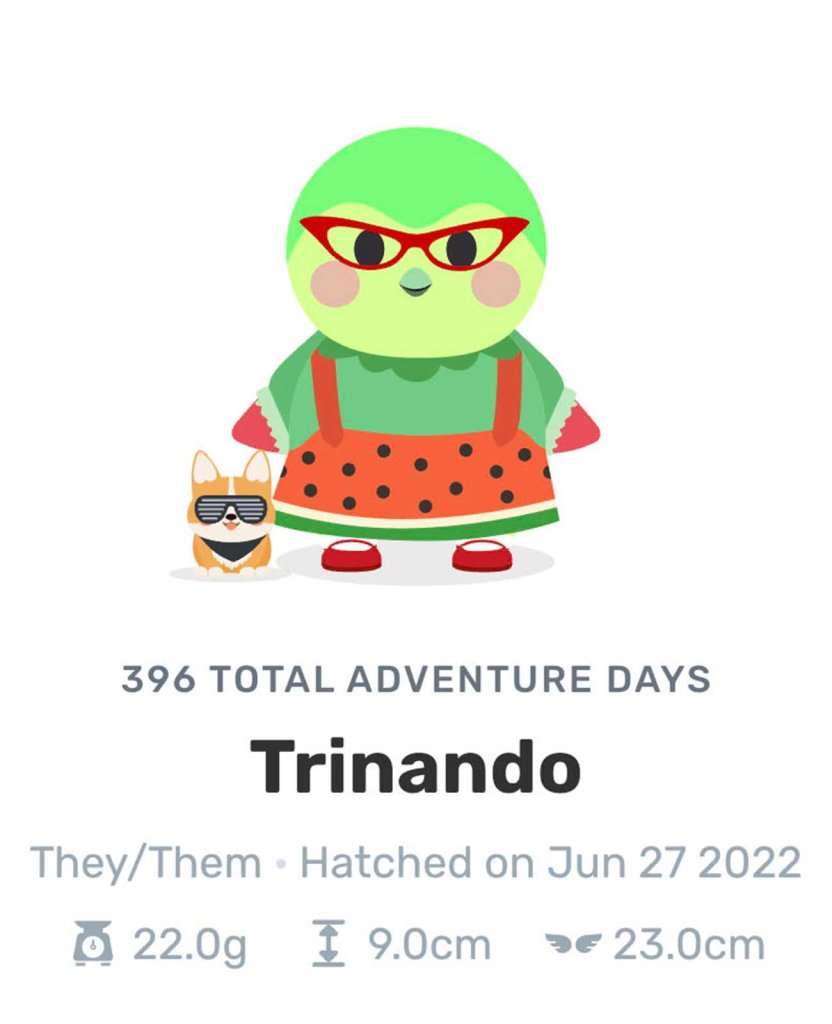
The Finch app offers you the chance to take care of a digital pet by taking care of yourself. Two friends struggling with anxiety and depression, who found self-care challenging to stick with, created Finch to make self-care fun and accessible after seeing many others share similar struggles. Like Habit Tracker, the Finch app offers many pre-loaded self-care suggestions and you can create your own tasks as well. But it’s a way different set-up in most major respects.
There’s a Tamagotchi-like feel to it, as your use of the app fuels the growth of your (adorable!) bird. The options to buy clothes and furnishings for your bird house add a fun motivation to keep up with tracking and accomplish your goals. And the daily affirmations and personality development of the bird offer a warm and fuzzy experience.
In many ways, the two apps are redundant because I’m mostly tracking the same things in both, but I keep using them simultaneously for a few reasons:
- Habit Tracker lets you review historical data so you can track your performance over time.
- Habit Tracker’s option to partially complete a task lets me acknowledge that something was done even if it wasn’t completed entirely.
- Habit Tracker is structured more like a to-do list and offers fewer distractions.
- Finch is way cuter and more fun – I am legit invested in my sweet little Trinando!
- Finch lets you create one-off goals that aren’t going to be recurring/ongoing.
- The social aspects of Finch appeal to me more than Habit Tracker’s because your friends don’t see your specific goals and you can send them cute little messages of encouragement and support.
- Finch has a Facebook community where you can connect with other app users.
- Although Finch doesn’t help me hold myself accountable if I fall off on goals due to its limited reporting functions, there’s something to be said for sheer positive reinforcement and starting each day anew. I don’t feel discouraged or unmotivated by Finch if I break a streak, for example.
Features of the app I rarely use but you may enjoy, include the guided exercises for tasks like stretching and breath work. It also invites personal reflections throughout the day and provides personalized suggestions for grounding and other mental health activities based on your entries.
If you decide to join Finch, please add Trinando and I to your Tree Town!
Friend Code: MVM9FB7WY7
 hezhub.com
2 thoughts on “Tracking My Life”