
When Amazon bought Goodreads in 2013, I vowed to exit the platform as soon as possible. It took 12 years, but I’m finally making good on my word. I officially migrated to StoryGraph, and I hope you’ll consider doing the same!
For folks unfamiliar with these platforms, they each allow users to track the books they’ve read and want to read. Each has some unique features from the other, which I won’t go into exhaustively here, but there are some articles linked at the end that you may find helpful.
This move was motivated by my desire to eliminate another space where Jeff Bezos can access my data, make money off of my consumption, and force ads for Amazon products upon me. Better still, the transition to StoryGraph also supports a Black, woman-owned company!
While the StoryGraph community is a bit smaller, it has truly gotten its footing in the years since launching in 2019. Even if this platform sucked compared to Goodreads, I’d still be willing to make the move at this point. But I’ve been really pleased with my experience so far, especially since they offer a lot of cool analytics and insights into personal reading trends that I’m totally nerding out about!
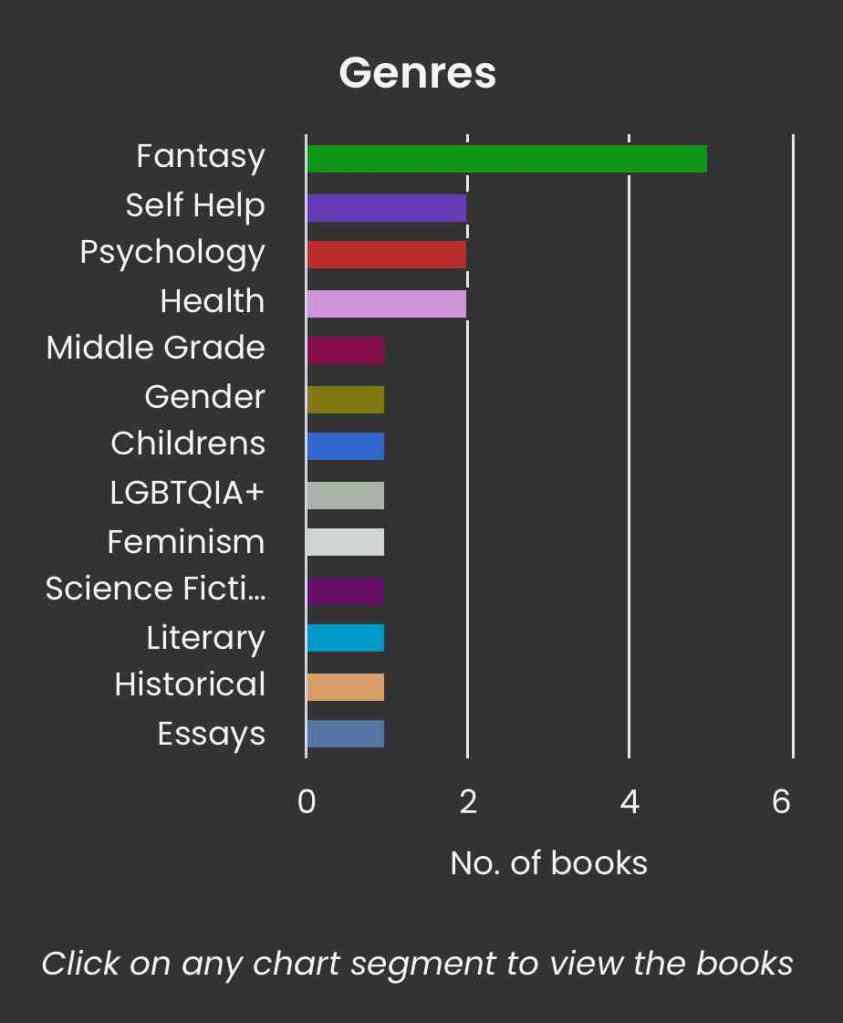
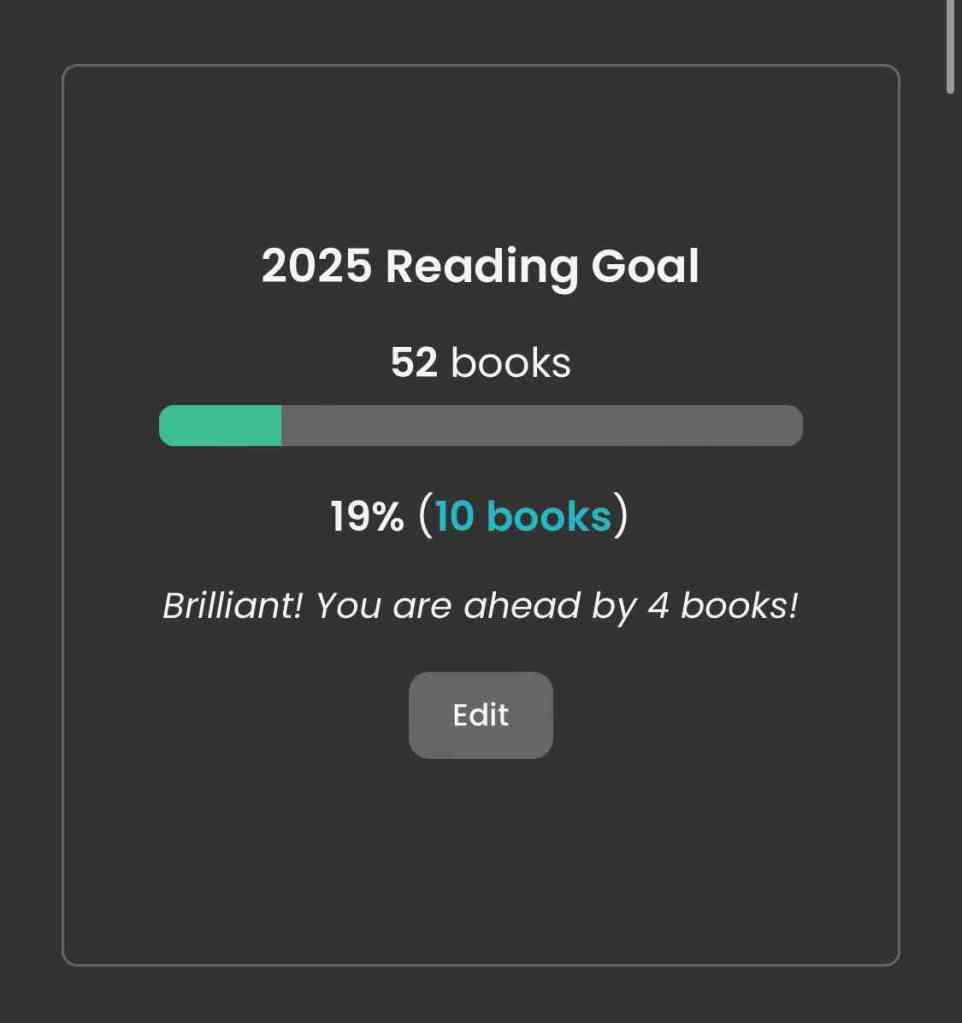
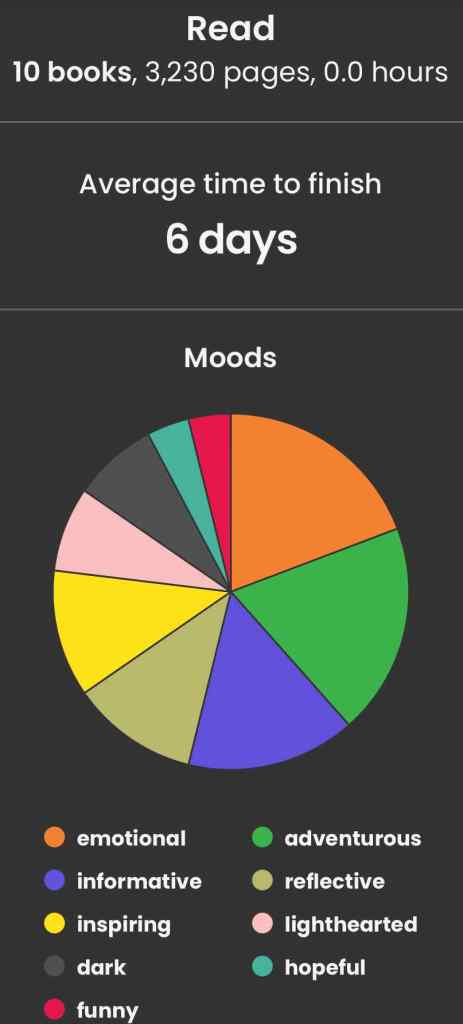
If you are already on StoryGraph, or decide to make the switch, I’d love to connect with you there! Here is my profile link.
For those migrating, don’t fret about losing your historical data; the process to export/import is super clear and straightforward. When you sign up for StoryGraph, they automatically share instructions on how to do so. An abbreviated version of the steps is below for reference:
On Goodreads:
- Go to “My Books”.
- Click “Tools”.
- Select “Import and Export”.
- Click “Export Library” to download a CSV file.
On StoryGraph:
- Go to your profile page.
- Locate the “Import Goodreads Library” option.
- Select the downloaded CSV file.
- Click “Import my Goodreads Library” to transfer your data.
If you want to learn more about StoryGraph and how it compares to Goodreads, check out the following articles:
- Reedsy.com – Goodreads vs. StoryGraph: Which is Better in 2024?
- BuzzFeed – Here’s Why I’m Ditching Goodreads and Switching to StoryGraph – and Why You Should Too
- The Simmons Voice – Goodreads vs. The StoryGraph: A Reader’s Thoughts
- Huffington Post – Bye, Bezos: People are Leaving Amazon’s Goodreads for a New Book-reading App
 hezhub.com